One Point of Contact
SecureVision works directly with the property owner or management company. Service decisions run through a single relationship rather than a board of directors or committee process.

Apartment residents rely on their internet for work, school, entertainment, and daily life. SecureVision delivers managed fiber to apartment communities with a single point of contact for property owners and full-service support for the people who live there.
The Expectation
Work-from-home schedules, remote classes, streaming, and connected devices are not occasional needs but daily requirements. When the network underperforms, residents notice it the same afternoon and the management office hears about it the same evening.
For property owners and managers, the quality of the internet service directly affects resident satisfaction, retention, and the property's competitive position. A reliable managed fiber network handles the bandwidth demands of a full building while giving the management team a single relationship for every connectivity question that comes up.
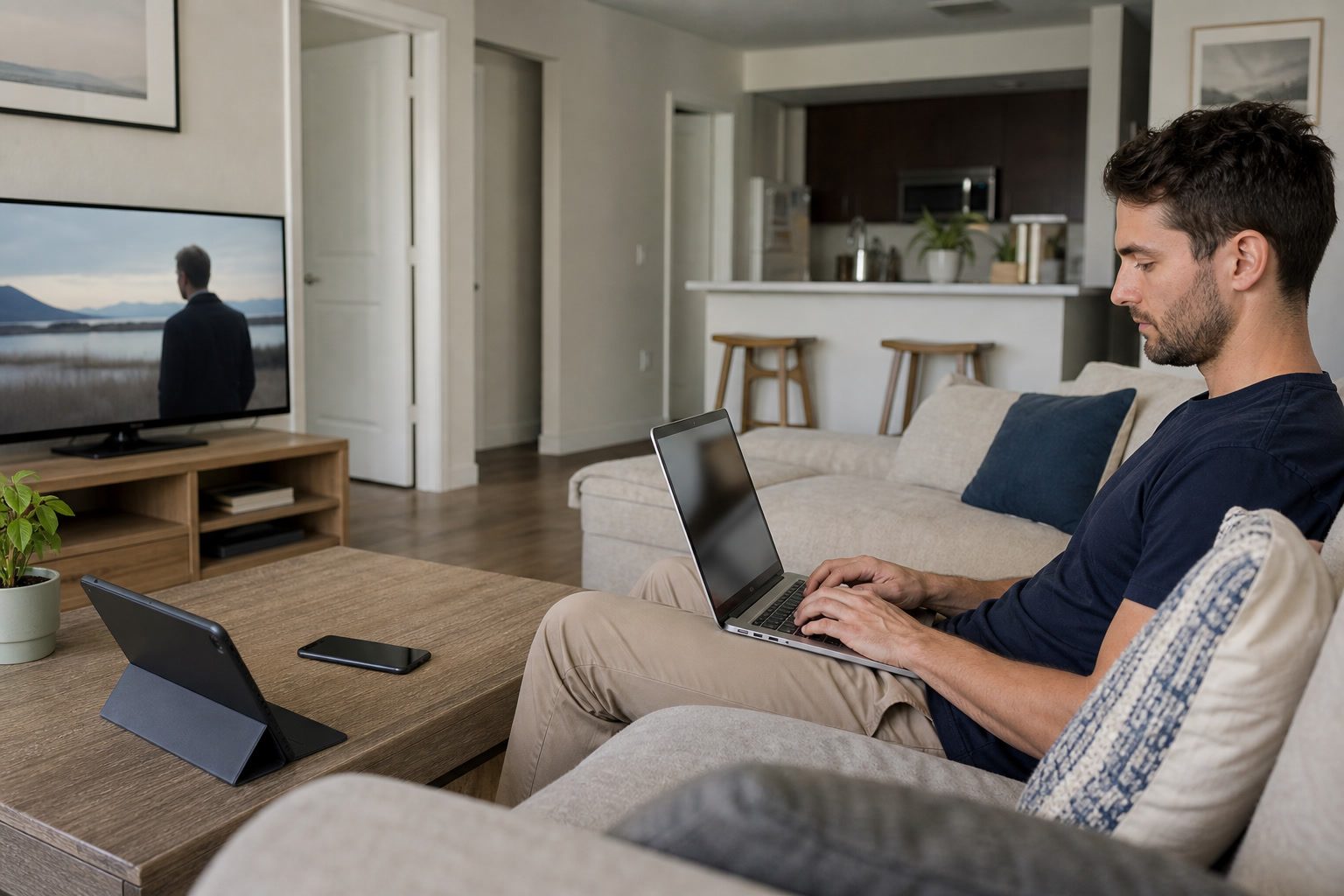
SecureVision works directly with the property owner or management company. Service decisions run through a single relationship rather than a board of directors or committee process.
Residents receive full network support without becoming their own administrators. The team troubleshoots devices remotely, adjusts WiFi settings per unit, and resolves issues before they need a service call.
Apartment networks handle sustained, everyday usage across every unit. SecureVision engineers each property with capacity to grow as demand increases.
Managed Network
A managed network means residents don't have to troubleshoot their own connection. When a smart TV will not connect, a security camera drops offline, or speeds seem slower than expected, the SecureVision team can see the issue remotely and resolve it without dispatching a technician. Password resets, new device setup, and routine network issues are handled by phone.
The call center is based in Orange Beach, Alabama, and staffed by people who know the properties SecureVision serves. Residents call a direct line rather than working through layered account verification. The four-hour support response guarantee applies around the clock, every day of the year.
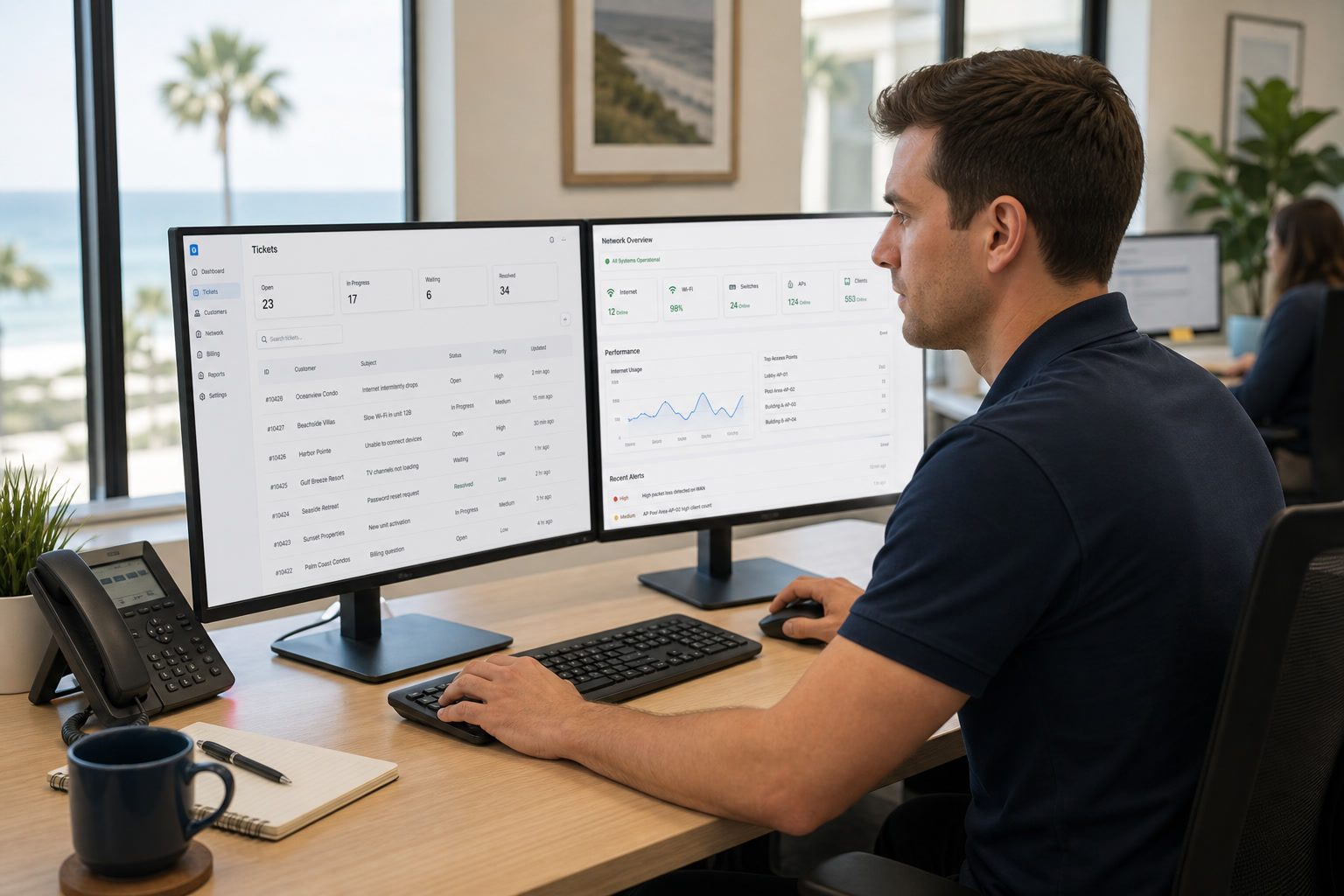
The same structured installation model adapts to apartment communities, with clear ownership, custom engineering, and support that moves cleanly from project team to operations.
The process begins with a discussion about your property, your current situation, and what your residents need. The team evaluates the building and provides a clear scope.
An engineer surveys the property, assesses building materials, and produces custom WiFi designs for every floor plan. Equipment decisions are finalized before work begins.
A dedicated project manager coordinates the entire installation around your occupancy calendar. Most units take thirty minutes to one hour.
Once the network is live, support transitions to SecureVision's operations center with continuous monitoring and the four-hour support response guarantee.
Since SecureVision took over, my residents don't call me about internet anymore. That's the best endorsement I can give.
One phone call and everything is handled. I don't have to play middleman between my residents and the provider.
The installation was smooth and the residents noticed the difference right away. Solid service from day one.
Process
What a SecureVision installation looks like from contract to go-live.
Learn moreCompany
Two decades of fiber connectivity for Gulf Coast communities.
Learn moreCondominiums
Managed fiber for vacation rental and owner-occupied condo communities.
View solutionsSecureVision's team is available to discuss connectivity options for your apartment community, walk through the installation process, and answer any questions.